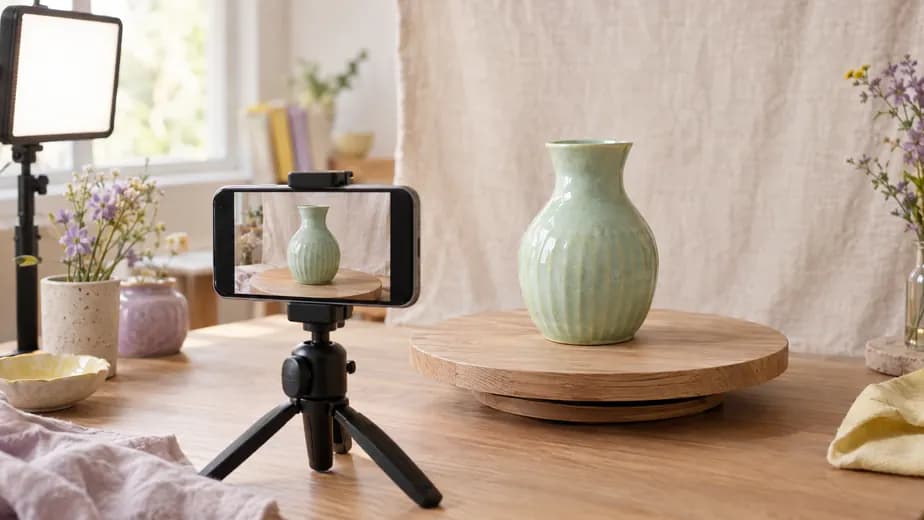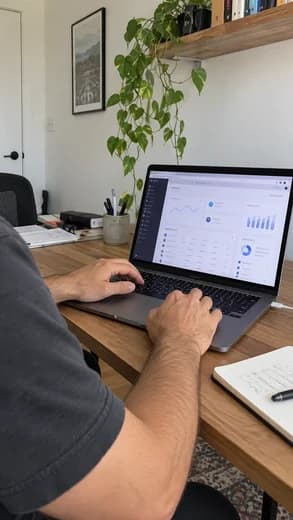


Pinterest works for Etsy sellers because people go there to find things, not to catch up with friends. They search for “minimalist wedding gifts” or “boho nursery decor”, save what they like and click through when they are ready to buy. Every Pin can link straight to an Etsy listing, and Pinterest says there is no set window for how long a Pin keeps getting found: it can be days, months or years.
This guide covers the setup, the boards, what makes a Pin get clicked, and a weekly routine you can keep up.
Set up Pinterest for your shop
Open a business account
A Pinterest business account is free. It adds Pinterest Analytics, the business features of Pinterest Trends, and ads if you want them later. If you already pin from a personal account, convert it in its settings and keep your followers.
Let your listings become Product Pins
There is nothing to install. When you pin an Etsy listing, Pinterest adds its price, availability, title and description to the Pin within a day, as long as the listing meets Pinterest’s merchant guidelines. Older guides tell you to claim your Etsy shop on Pinterest: that option is gone, and Pinterest now says marketplace shops can’t be claimed.
Write a profile buyers understand
Use your shop name, a one-line description of what you make, and your Etsy shop link. Use the same profile photo as on Etsy so people recognize you.
Make boards named after searches
Boards are how Pinterest understands what your Pins are about. Name them the way a buyer would search, not after your shop sections:
Five to ten boards is plenty. Each one should hold Pins for one kind of item, so the Pins on it are about the same thing.
Make Pins people click
The Etsy image resizer exports your listing photo for Etsy and a 2:3 Pin from the same upload, and the Pinterest image resizer handles any other photo.
What goes on the Pin:
- The photo. The item in use beats the item on white: the mug with coffee in it, the ring on a hand, the print on a wall. Keep one product per Pin.
- The title. Up to 100 characters. Your Etsy title is a good start, as long as it reads like a description. The Etsy title and tag counter checks both lengths.
- The description. One or two sentences with the words people search: what it is, what it is for, who it is for.
- The link. The listing itself, not your shop home page. A buyer who clicks a mug wants that mug.
How often to pin
Pinterest’s own advice is to publish fresh, original Pins every week instead of re-saving other people’s. Every listing is good for several: the main photo, a detail shot, the item in use, the gift box. Each new photo is a new Pin.
A few fresh Pins a week, every week, is enough. Plan seasonal items early: people on Pinterest start looking well before the holiday, and Pinterest Trends shows when searches for your products start to climb.
A week of Pins for a jewelry shop
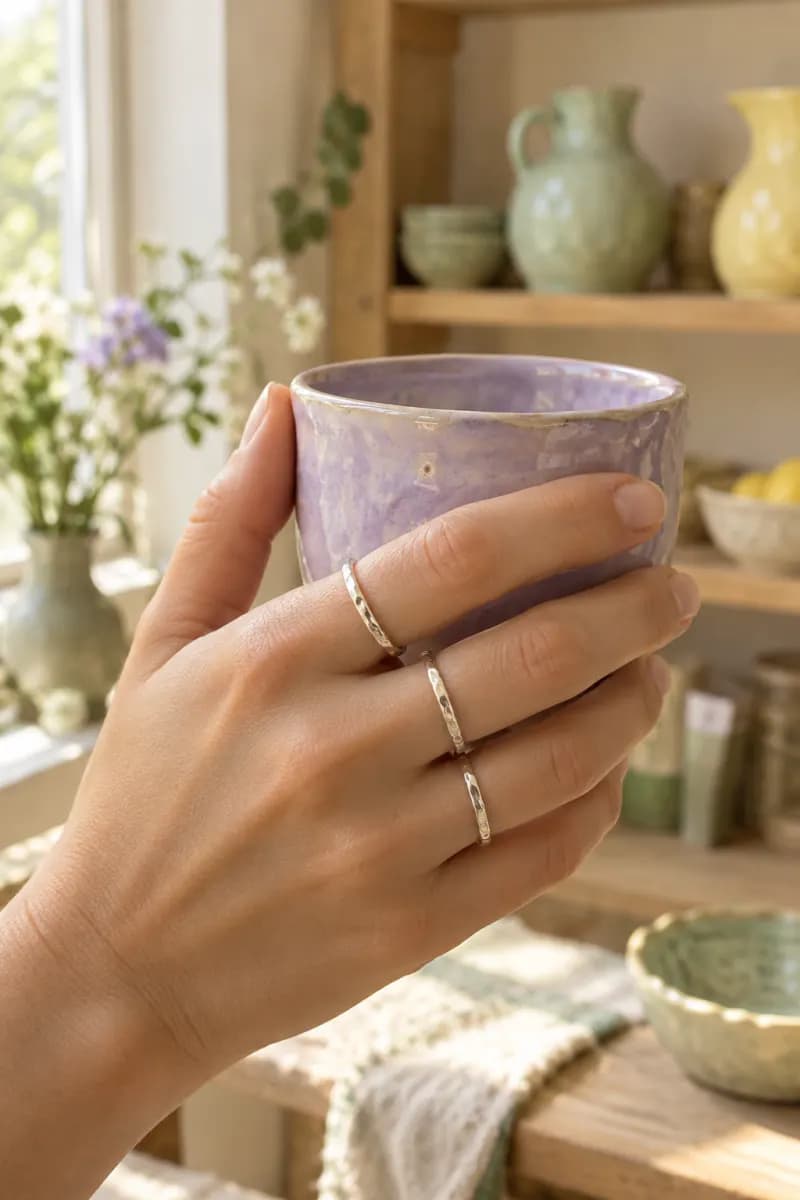
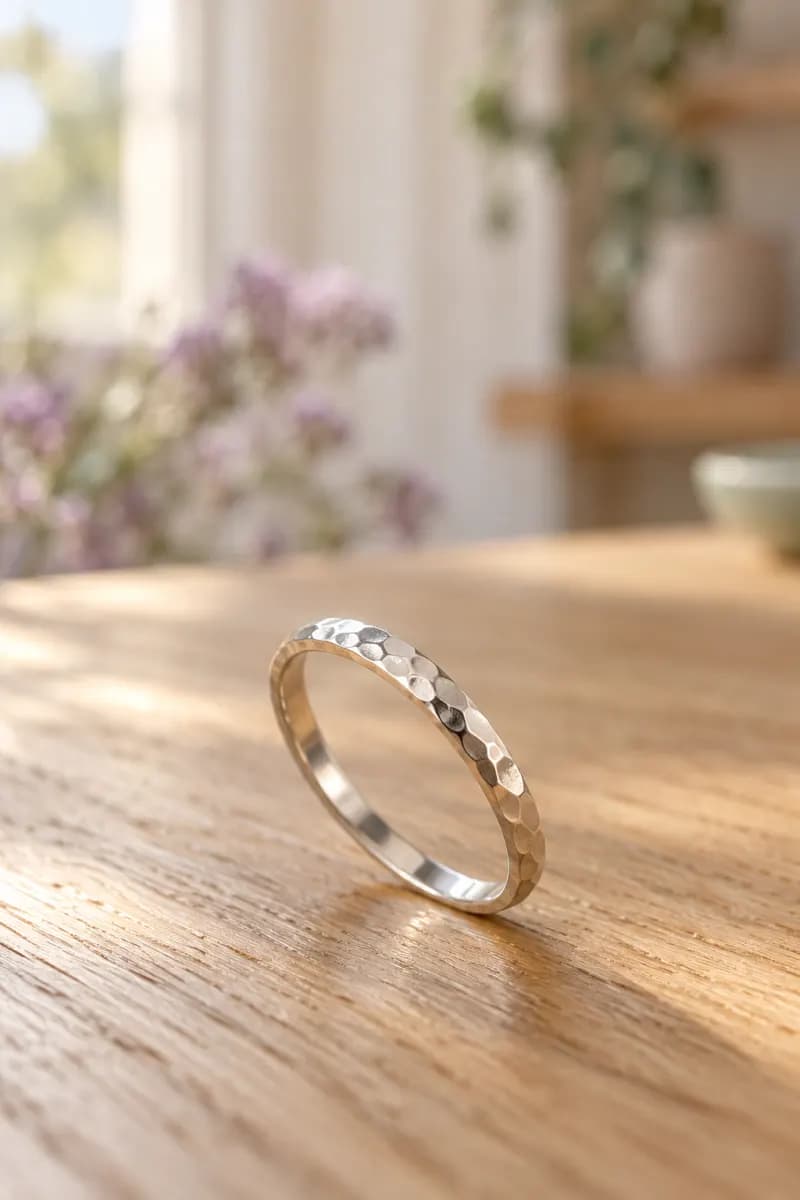
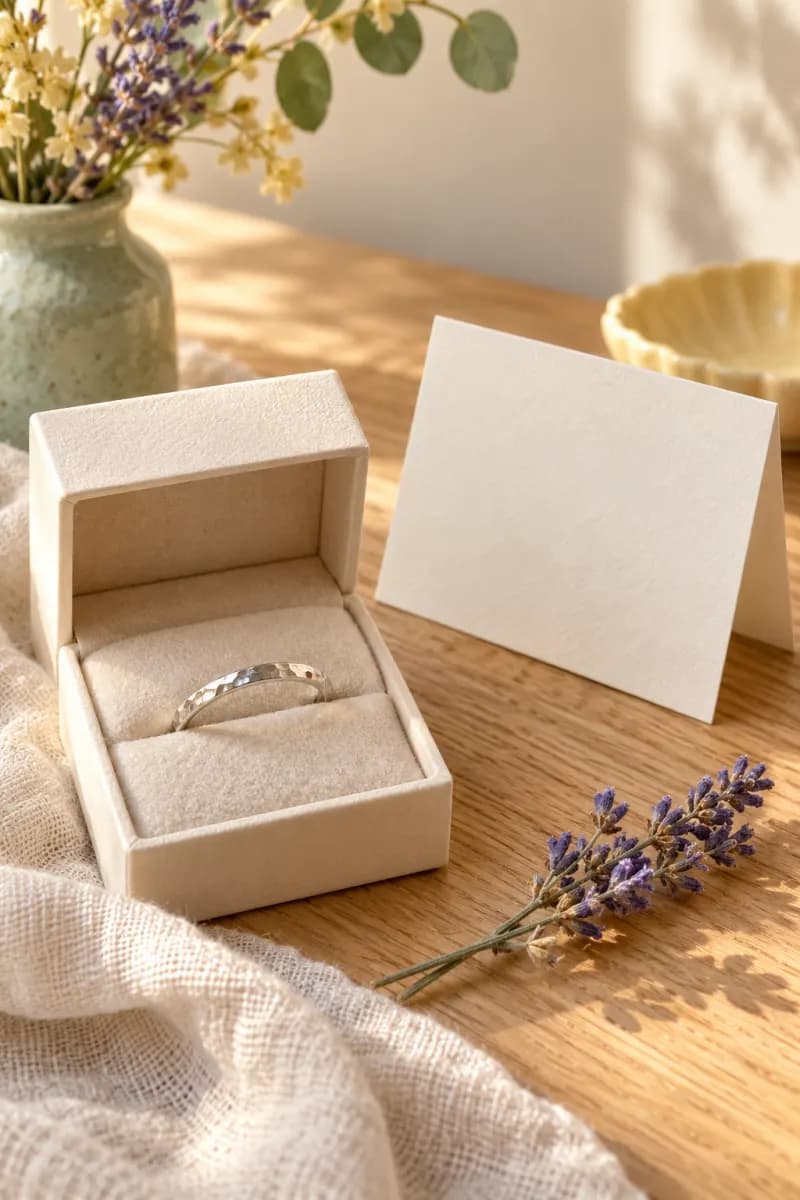
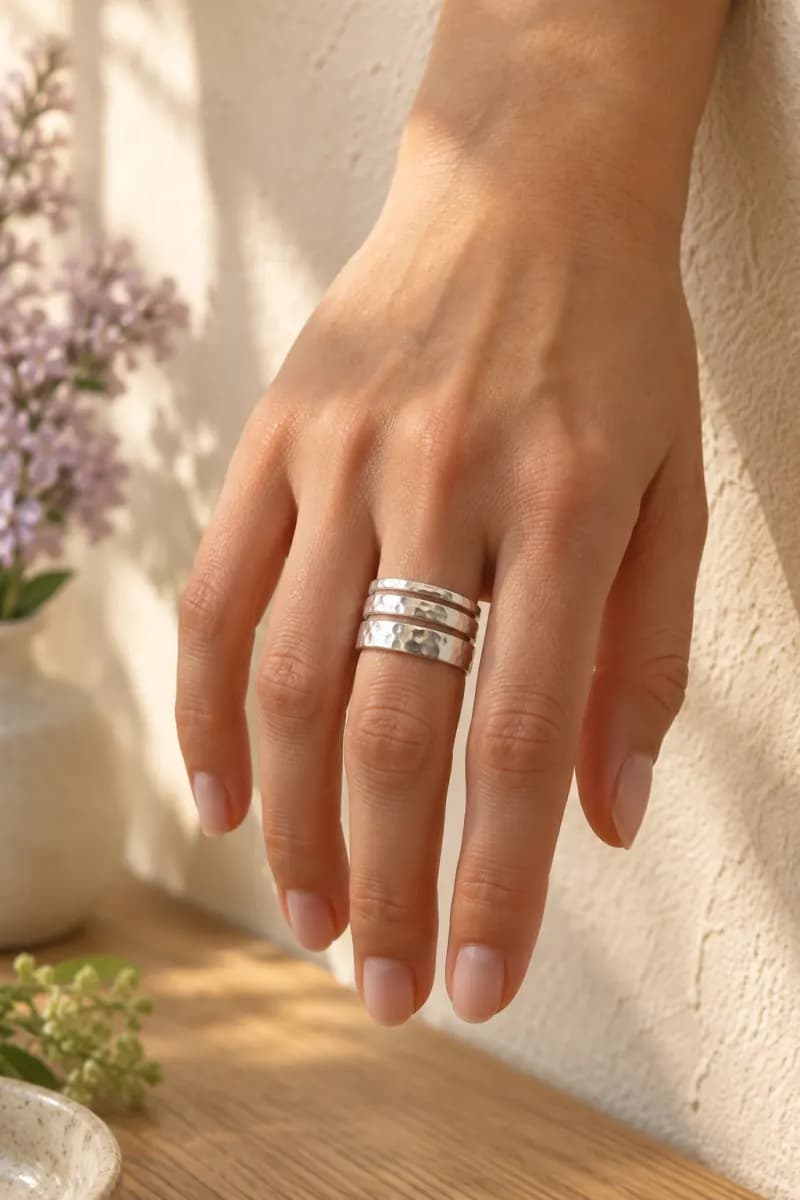
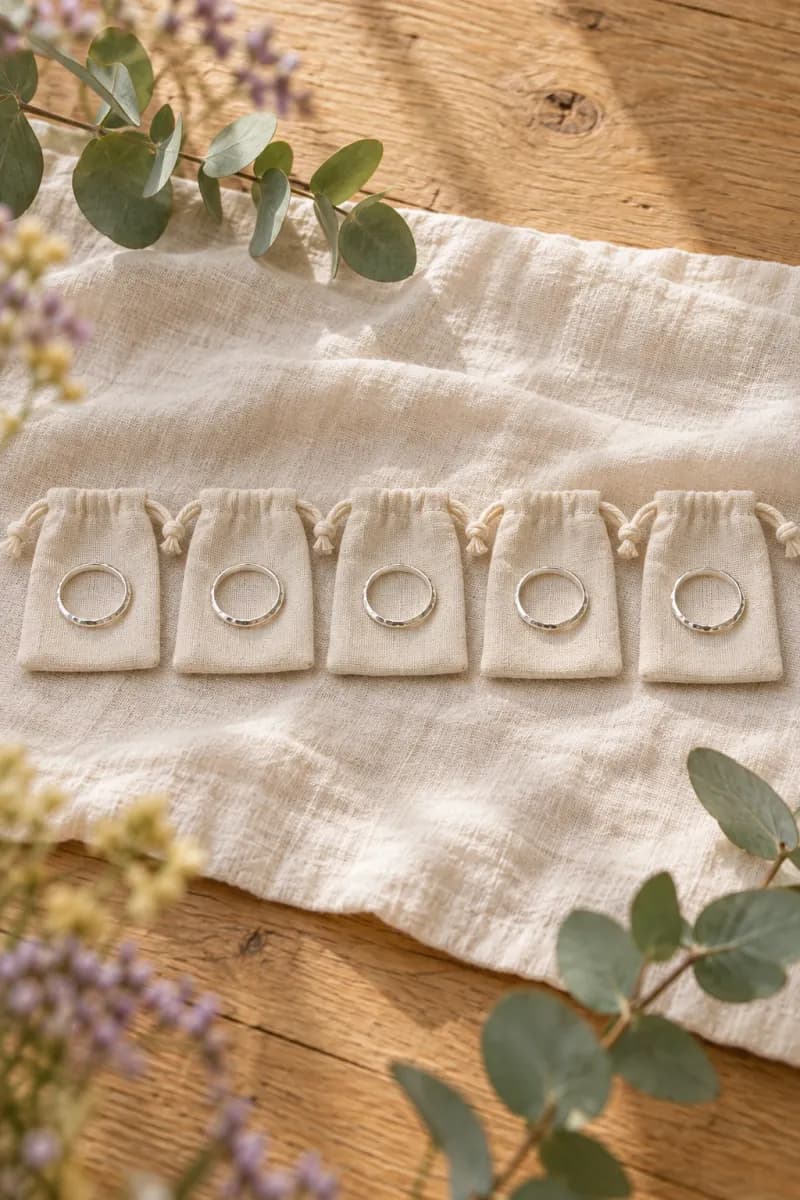
Each Pin links to its own listing: the stacking ring, the bridesmaid set. Two listings, five Pins, one sitting to schedule.
Schedule the week in one sitting
Pinning by hand every day is the routine most sellers drop by week three. Schedule instead:
Connect Pinterest
Connect your Pinterest account in SocialRobot, and Instagram, Facebook or TikTok if you post there too.
Add the photos and the listing link
Upload the tall photos, pick the board for each Pin, write the title and description, and paste the listing link.
Pick the times
Spread them across the week. Best time to post on Pinterest gives a starting schedule.
Reuse the photos elsewhere
The same photos work as an Instagram post or a TikTok photo carousel. Write each post once and see how it looks on each network before it goes out.
Two Etsy programs worth knowing
- Share & Save. When you share your shop or a listing with your Share & Save link, Etsy gives you back 4% of eligible orders placed within 30 days of a click on it (6.5% from 20 October 2026 to 4 January 2027). Links in social posts count; links in Etsy messages or listing descriptions don’t.
- Offsite Ads. Etsy may already advertise your listings on Pinterest, Google, Facebook, Instagram and Bing. You pay a fee only on orders that come from those ads: 15% of the order, or 12% for shops that have sold $10,000 in a year, capped at $100 per order.
See which Pins bring buyers
Etsy Stats lists Pinterest visits under Social media. That number also includes Etsy’s own Offsite Ads on Pinterest, so open the source to see the breakdown. Pinterest Analytics shows which Pins get saves and outbound clicks. Once a month, look at both: make more Pins like the ones that brought visits, and stop making the kind that didn’t.
Questions
Frequently asked questions
Is Pinterest good for Etsy sellers
Can I claim my Etsy shop on Pinterest
What size should Pins for Etsy listings be
How often should I pin my Etsy listings
Can I schedule Pins for my Etsy shop
Connect your accounts.
SocialRobot MCP is free on every plan. Add socialrobot.io/api/mcp to Claude, ChatGPT, or Cursor and schedule from chat.