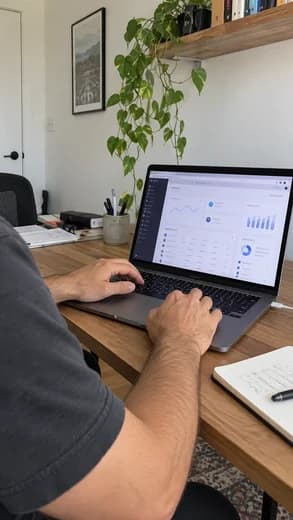


On-brand visuals
Visuals that look like your brand
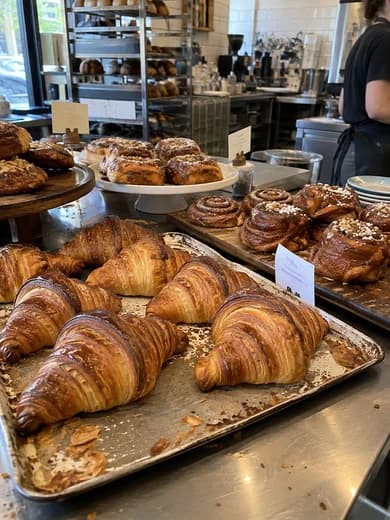
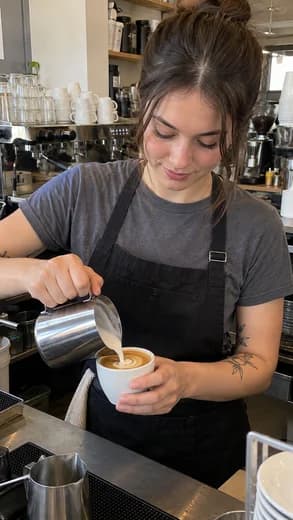
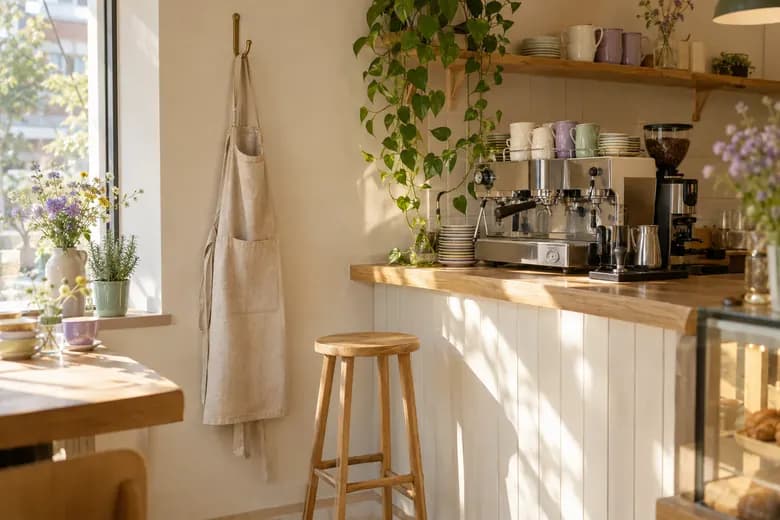
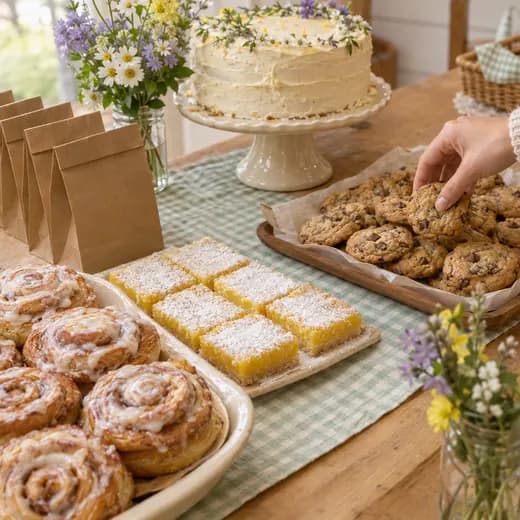
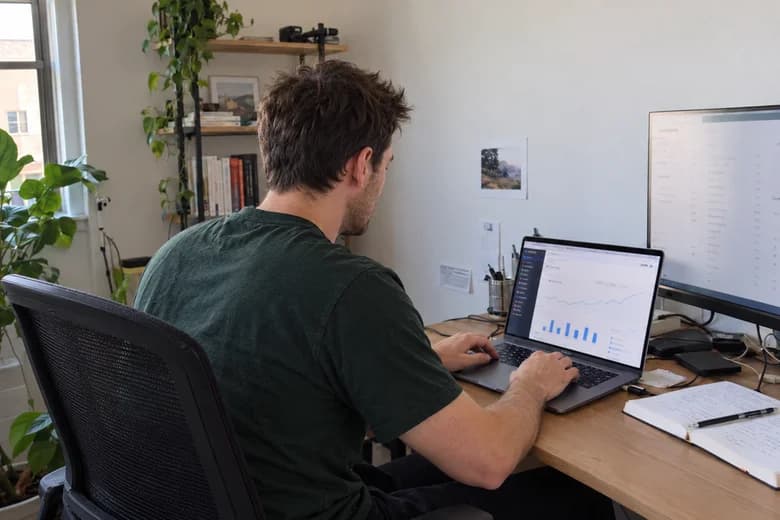
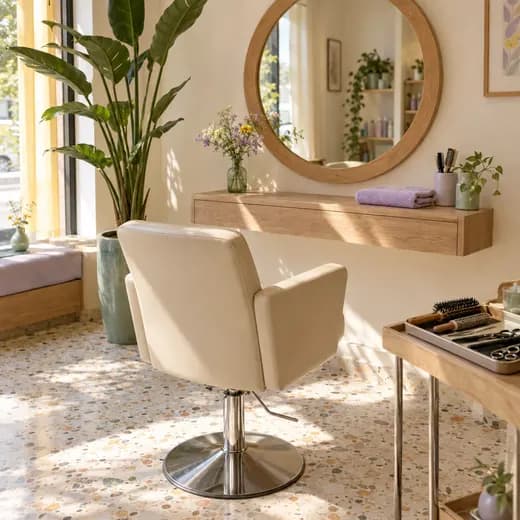
Ask your assistant for a picture. It uses your colors and, when your website has them, your real products. Sized for each network.
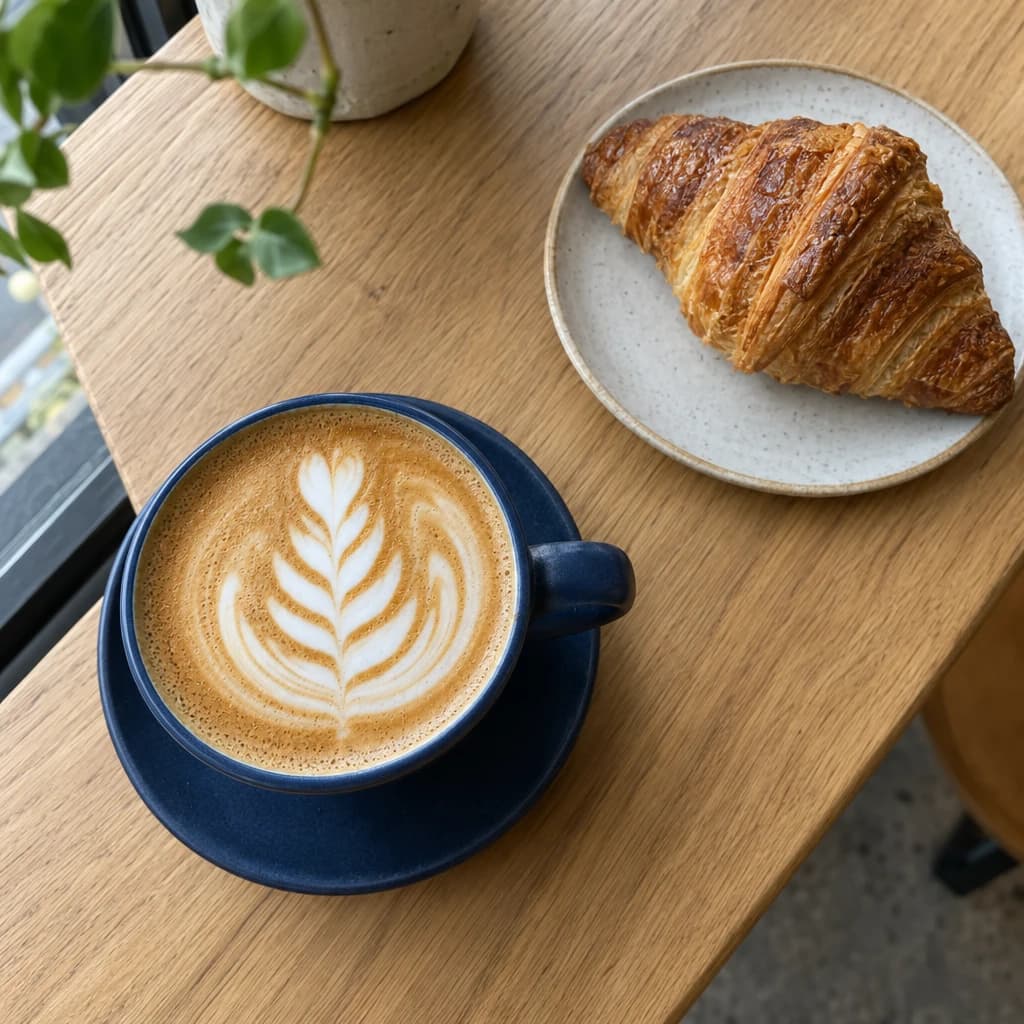
Add to post
 socialrobot
What you can do
When a post needs a picture
Posts that have no photo
Announcing something or sharing a tip? Ask for a matching visual instead of posting text that gets scrolled past.
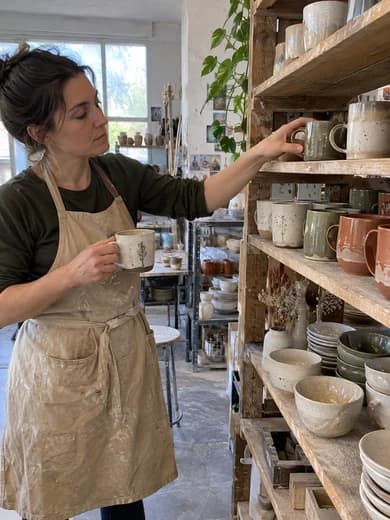
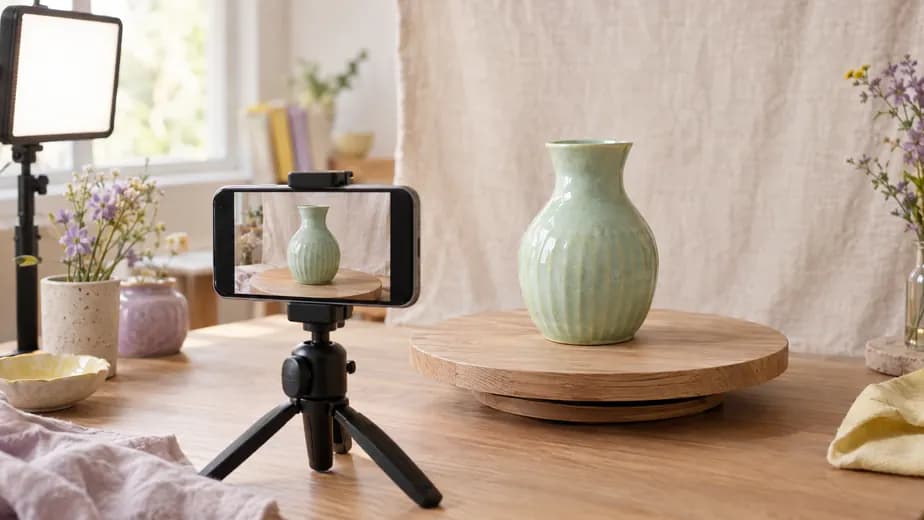
Your real products, in a new scene
If your website has product photos, the assistant keeps the product as it is and builds the scene around it.
Fix the photo you have
Attach a photo and say what to change: warmer light, a cleaner background. The rest stays as it was.
The picture comes with the draft.
Start free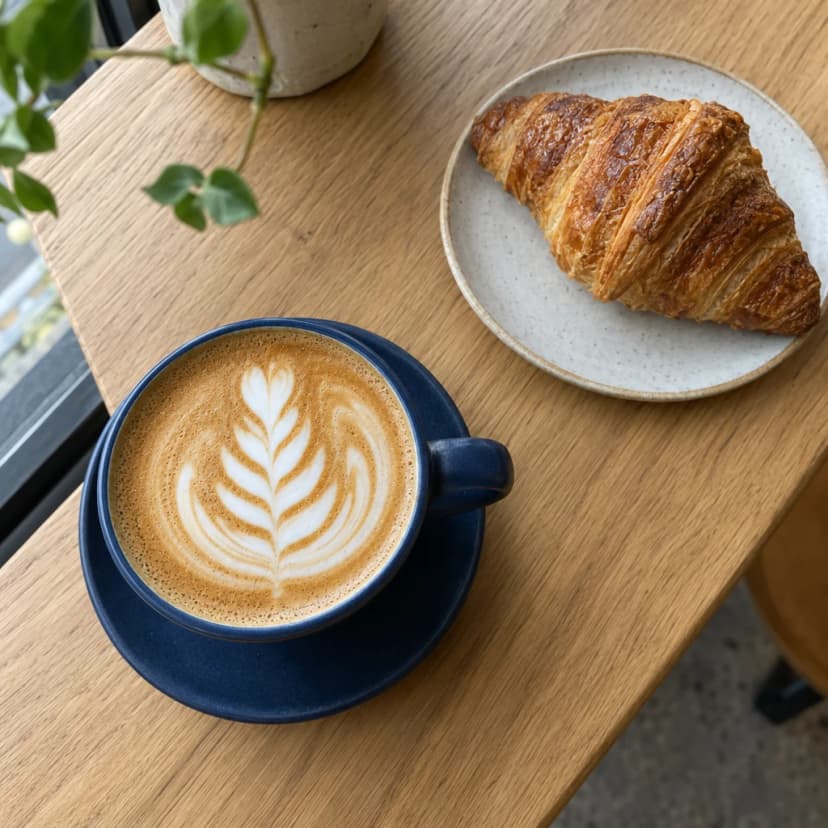
looks right on all 3
The details
Finish the post in one place
- Right next to the draftAsk your assistant, or tap the robot in the composer. The visual lands in your post, ready to schedule.
- Right size for every network4:5 for an Instagram feed post, 9:16 for Reels and Stories, 2:3 for Pinterest, landscape for X and LinkedIn.
- Ask for changesNot quite right? Say what to change and get a new version without starting over.
- One look across your feedIt uses the colors and style it learned from your website, so your posts look like one brand.
Questions, answered
What sizes can I get?
Square, 4:5, 9:16, 2:3 and landscape. When a visual goes into a post it's converted to JPEG, which every network accepts.
Can I use my own photos?
Of course. Upload photos and videos to any post, add designs from Canva or free photos and videos from Pexels, or attach a photo in the assistant chat to have it edited.
How many visuals can I make?
Starter includes 200 a month and Pro includes 500. Free doesn't include on-brand visuals.
Start free
Your next post starts here.
Connect your accounts and try it with a real post. Two accounts and fifteen posts a month, free.
Start freeFree plan. No credit card required.