

Grow Pinterest with Pins planned weeks ahead

 Hollow Bakery· draft
 Canva
Canva
 socialrobot
Why small businesses schedule Pinterest with SocialRobot
Schedule once, publish on time
Queue Pinterest content ahead of time and stop relying on last-minute reminders.
Fresh croissants just came out of the oven 🥐 First 20 coffees are on us before 10. #bakery #morning
An assistant that knows your brand
It learns your products and how you talk, then drafts Pinterest posts and on-brand visuals. You edit before anything goes out.
 best time
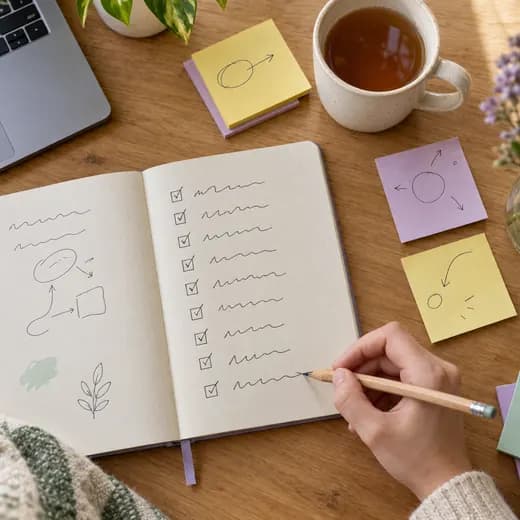
One calendar for every account
See Pinterest next to your other channels so the week stays balanced.

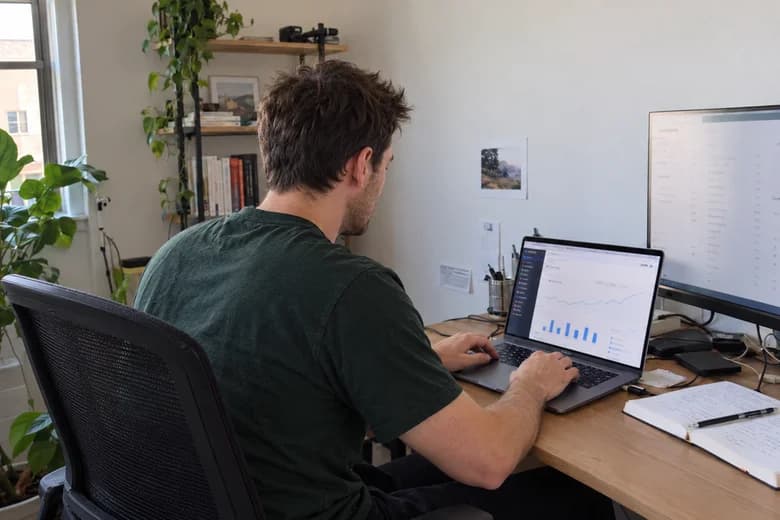
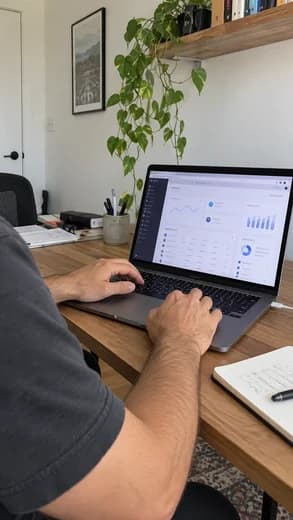
See what performed, then post more of it
Track reach and engagement, then queue more posts like the ones that worked.
Built for how Pinterest actually works
A Pin schedule that keeps boards active
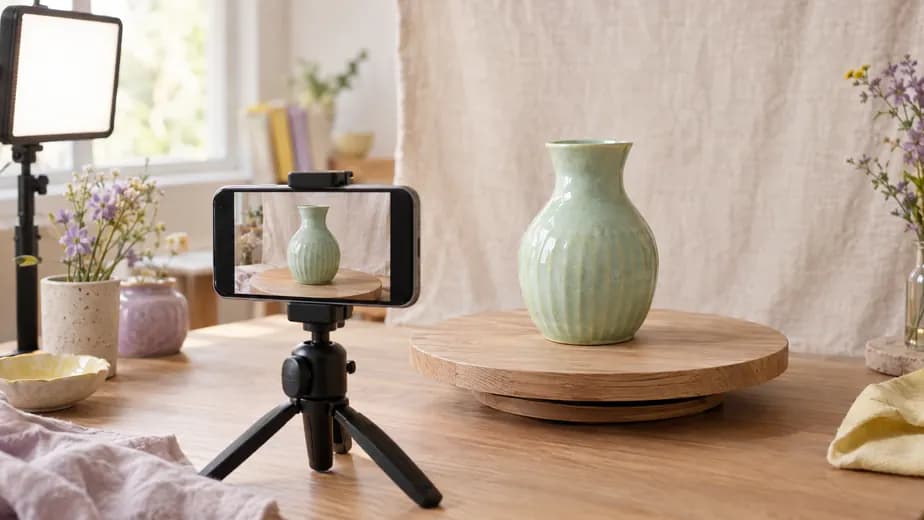
Batch Pins when you have assets ready, then schedule them so your boards stay active week after week.
- Schedule Pins from your SocialRobot content calendar
- Prepare descriptions and media before publishing
- Keep Pinterest aligned with launches on your other channels


Descriptions and visuals built for discovery
Your assistant drafts Pin copy and makes on-brand visuals when your boards need fresh creative.
- Clearer Pin descriptions, in your voice
- New on-brand visuals when you need a fresh angle
- Turn campaign assets into a steady stream of Pins

Free Pinterest tools
Browser tools that use SocialRobot’s publish caps (file size, hard character limits, crop presets). You don’t need an account to run them.
Ready to add Pinterest to the same calendar?
Connect your accounts, plan a week of posts, and publish from one SocialRobot dashboard.

Common questions
Can SocialRobot publish Pins automatically?
What Pinterest content can I schedule?
What do I need to connect Pinterest?
Can Pinterest support the same campaigns as Instagram?
Schedule everywhere else, too
One calendar for the accounts you already run. Open another channel page or see the full list.

Start free
Your next post starts here.
Connect your accounts and try it with a real post. Two accounts and fifteen posts a month, free.
Start freeFree plan. No credit card required.