

Your assistant
An assistant that writes like you
It learns your products from your website and how you talk from your posts. Ask for a week of posts, or what did well last week, and get drafts for each network, ready to edit.
InstagramLinkedInTikTok
Fresh croissants just came out of the oven 🥐 First 20 coffees are on us before 10. #bakery #morning
hollow bakery99 / 2,200
 socialrobot
What you can do
What you can ask it
Turn a blog post into a week of posts
Paste the article and get a thread for X, a caption for Instagram and a longer take for LinkedIn.
Never start from a blank page
Ask for "a post about our best seller" and get drafts that already know what you sell.
Fix what you already wrote
Tap the robot in the composer: make it shorter, fix the grammar or try another angle. The new version goes back into your post.
Your first draft is already written.
Start free Hollow Bakery· draft
0 characters
Photos Canva
Canva
Canva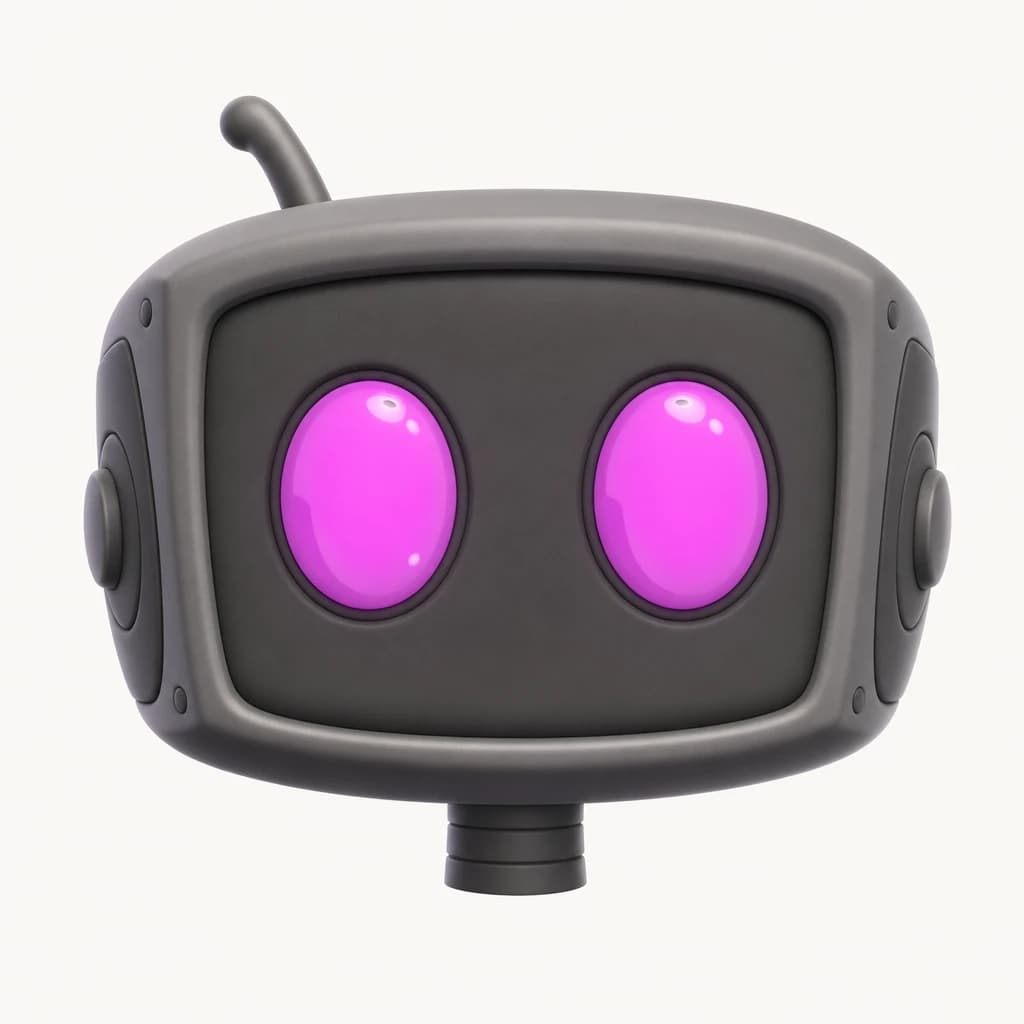
4 networks
Schedule
The details
What your assistant knows
- Your productsIt reads your website: what you sell, who it's for, your offers. It doesn't invent what isn't there.
- Each networkA thread for X and Threads with an image on the posts that need one, a title for Pinterest and TikTok, the first comment on Instagram and the hashtags you already use. One idea becomes a ready post for each network.
- How you talkYour stated preferences come first. It learns from your recent posts and edits you actually publish, keeping each network's writing preferences separate.
- Edits, not just draftsTap the robot wherever you write. It edits your text and photos and puts the new version back in your post.
Questions, answered
Will the posts sound like me?
Yes. Add your website and connect an account and it learns your voice from your recent posts (see Brand voice). You still edit every draft before it goes out. We don't train AI models on your posts.
Does it write differently for each network?
Yes. It knows each network's limits and habits, and fills in what each one has: threads on X and Threads, Pin and TikTok titles, first comments on Instagram and LinkedIn, the Threads topic and alt text for images. You see every field on the draft and can change it before it goes to your scheduler. Thread cards keep each post and its image together, in order, when you add them to the scheduler.
Is the assistant included in every plan?
No. The assistant is on Starter and Pro, with on-brand visuals included (200 a month on Starter, 500 on Pro). On Free, SocialRobot still learns your products from your website, but there is no assistant.
Does it remember what I tell it?
Yes. Say a lasting preference, like "no emojis" or "always end with a question", and it remembers it in your next chats for that project. What you tell it takes priority over the style it infers from old posts. It also learns from edits you publish, with preferences kept specific to each network. You can see and remove everything it remembers on the Project page.
Can it see what I already scheduled?
Yes. Ask what goes out next week, or about any individual post on any network. It can check the full text, each account’s status, media details, publishing settings and errors, including whether a TikTok is set for automatic publishing or the inbox. You can open the post to edit it. To add scheduled posts to another network, it previews the changes and waits for your confirmation; each post keeps its own date and time.

Start free
Your next post starts here.
Connect your accounts and try it with a real post. Two accounts and fifteen posts a month, free.
Start freeFree plan. No credit card required.